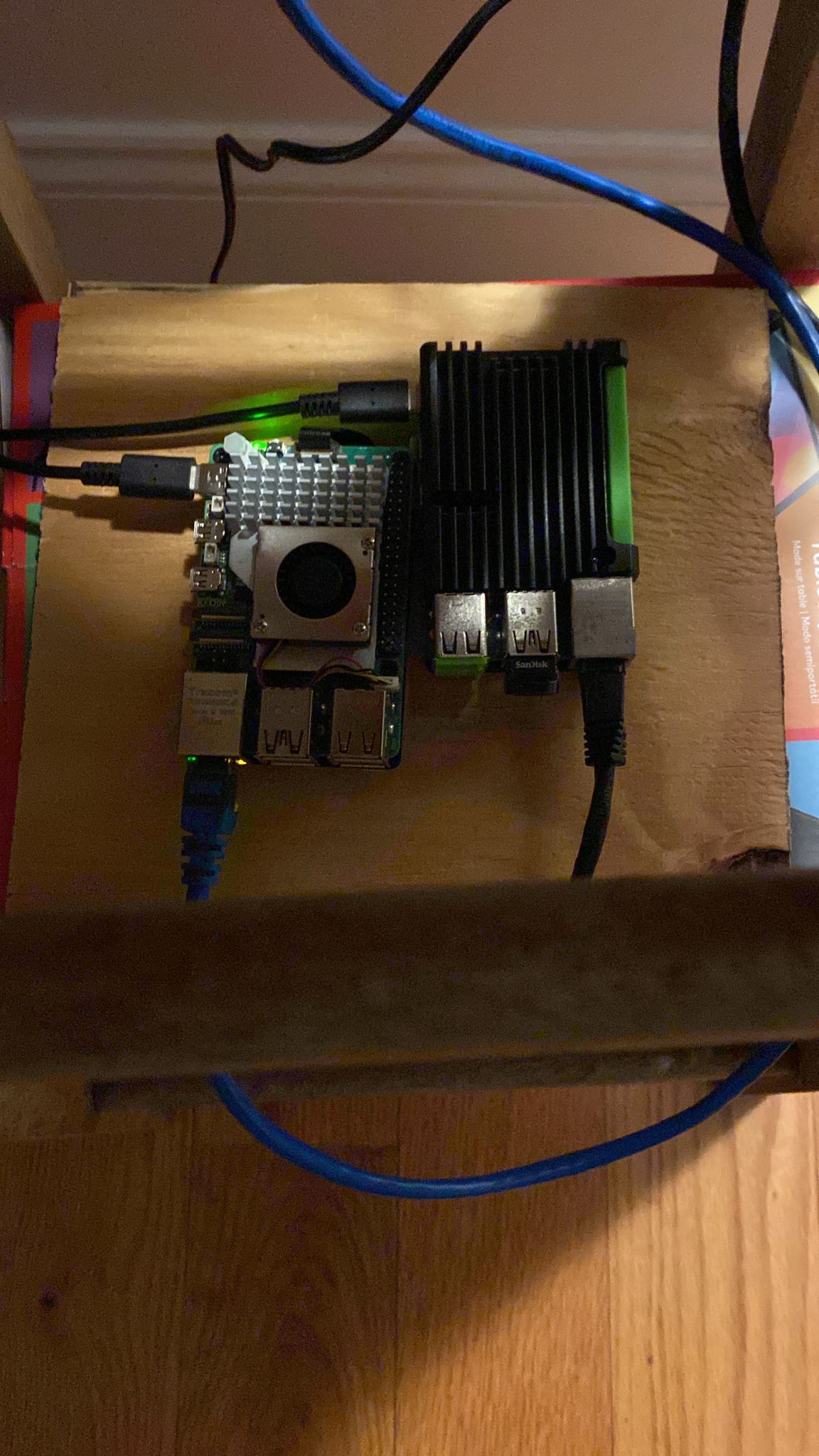
I’ve just picked up a new Raspberry Pi 5 and put Debian on it!
The new Pi has impressive stats and feels snappy when used over my aging Pi 4. But it still has one problem: if I’m going to run the Pi 5 long-term the LED lights must go off! In one of my earlier posts, I showed How to disable the Raspberry Pi power, status, and network LEDs in Ubuntu and this is an updated post on how to do so with the new Pi 5.
If you are running Debian, Edit:
/boot/firmware/config.txt
And append the following contents
dtparam=pwr_led_trigger=default-on
dtparam=pwr_led_activelow=off
dtparam=act_led_trigger=none
dtparam=act_led_activelow=off
dtparam=eth_led0=4
dtparam=eth_led1=4
Reboot and when the Pi starts up you’ll see the LEDs switch off.
Here she is next to her older brother: